Campaign Setup
Part of Programmatic audience targeting
Checking audience scale against a campaign budget
Calculate the impressions a budget needs, compare them with estimated audience opportunity and account for forecast limits.
To assess whether an audience might support a budget, estimate the impressions the budget would need, then compare that requirement with the opportunity available under the intended targeting and flight. Audience-list size is not available inventory, and a planning estimate is not a delivery ceiling or a promise that bids will win.
Calculate the impression requirement
Separate media spend from data, platform and service costs. Record the flight dates and currency. For a planning assumption:
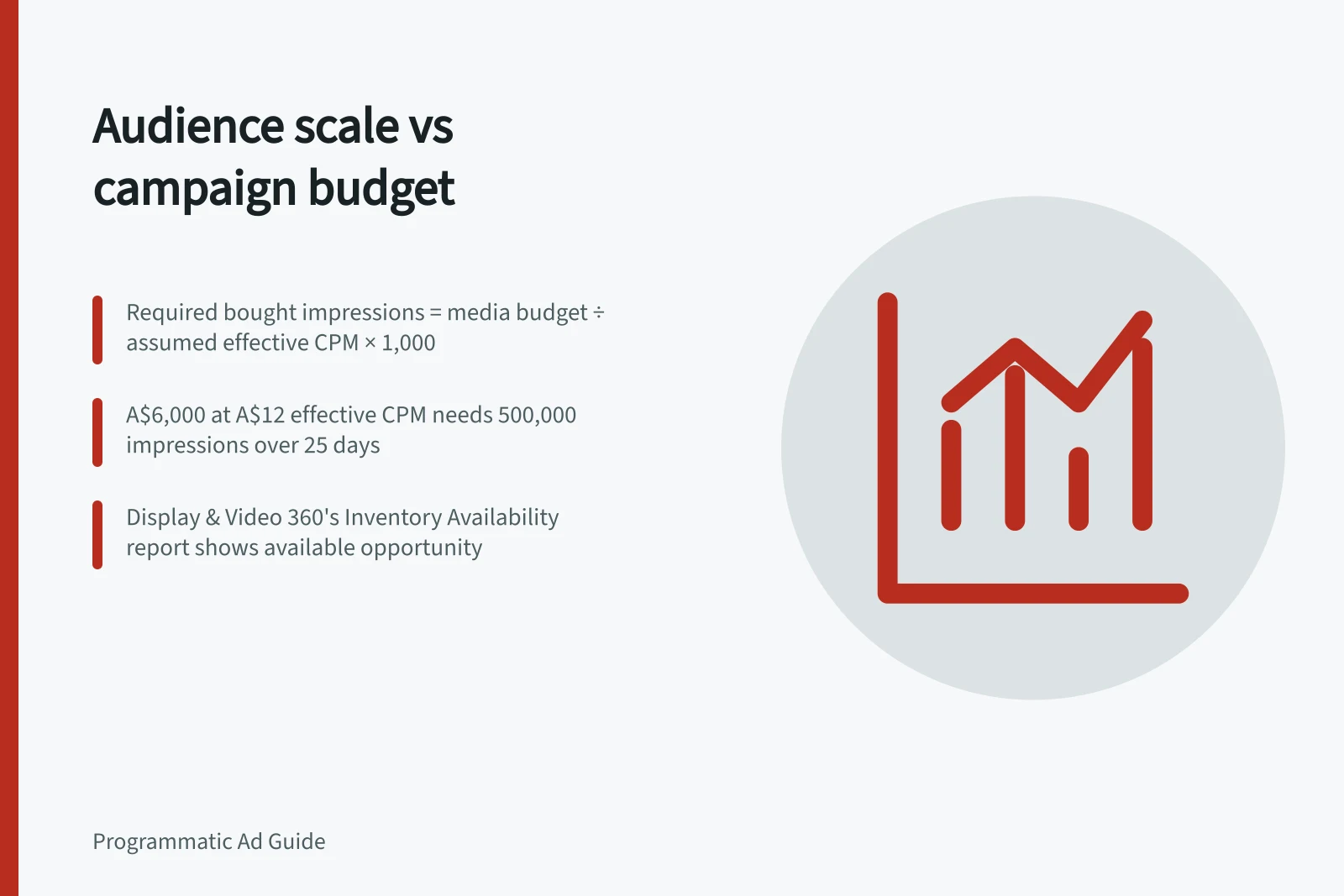
Required bought impressions = media budget ÷ assumed effective CPM × 1,000.
For example, A$6,000 of media at an assumed effective CPM of A$12 requires 500,000 bought impressions. Across a 25-day flight, that averages 20,000 a day.
These inputs and arithmetic are illustrative, not an Australian market price or a forecast. If the effective CPM includes third-party audience fees, state that clearly; otherwise show those fees separately. A change in realised cost changes the impression requirement.
The result counts impressions bought, not unique people reached. A raw list count multiplied by an assumed frequency does not establish available inventory.
Estimate the opportunity
Use the proposed audience with the relevant geography, dates, devices, environment, format, inventory source and exclusions. Display & Video 360 has an Inventory Availability report.
If the planned line-item type supports a spend forecast, review it with the intended bid, budget, targeting and flight. Display & Video 360 provides a 'Forecast spend of a line item' feature. Use it as one planning input.
Compare and decide
Calculate the impression requirement under a plausible range of effective CPMs. Compare each result with the planning estimate for comparable inventory and dates.
A requirement far above the estimated opportunity signals a scale risk, but the estimate is not an exact count of buyable impressions. Even a large estimated opportunity may underspend because targeting, creative eligibility, bids and auction wins affect delivery.
Check which condition constrains the estimate by changing one discretionary rule at a time. Verify list identity and health before widening recency, geography or relevant inventory.
Keep required exclusions and policy limits. If meeting the budget would require reaching people outside the brief, revise the spend expectation or the brief explicitly.
After launch, replace assumptions with bought impressions, realised cost and spend over time. Where available, use diagnostics to distinguish audience-list filtering from creative and auction losses. Display & Video 360 provides troubleshooting for deals and line items, so diagnose the limiting stage before changing the audience or budget.
Steps to Validate Audience Scale Against Budget
- Separate media spend from data and service costs
- Calculate required bought impressions using A$ budget ÷ CPM × 1,000
- Estimate available inventory using targeting parameters in Display & Video 360
- Compare requirement with opportunity across a range of plausible CPMs
- Diagnose constraints using troubleshooting tools in Display & Video 360