Campaign Setup
Part of Frequency management in programmatic campaigns
Choosing a frequency cap for a campaign objective
A frequency cap is a planning constraint: how many eligible impressions may be served to a recognised unit in a chosen window.
A frequency cap limits how many eligible impressions may be served to a recognised unit within a chosen window. Check whether the platform applies it to a browser, device, account or modelled person, and note which formats are included. A cap controls delivery; it does not guarantee a number of views per person.
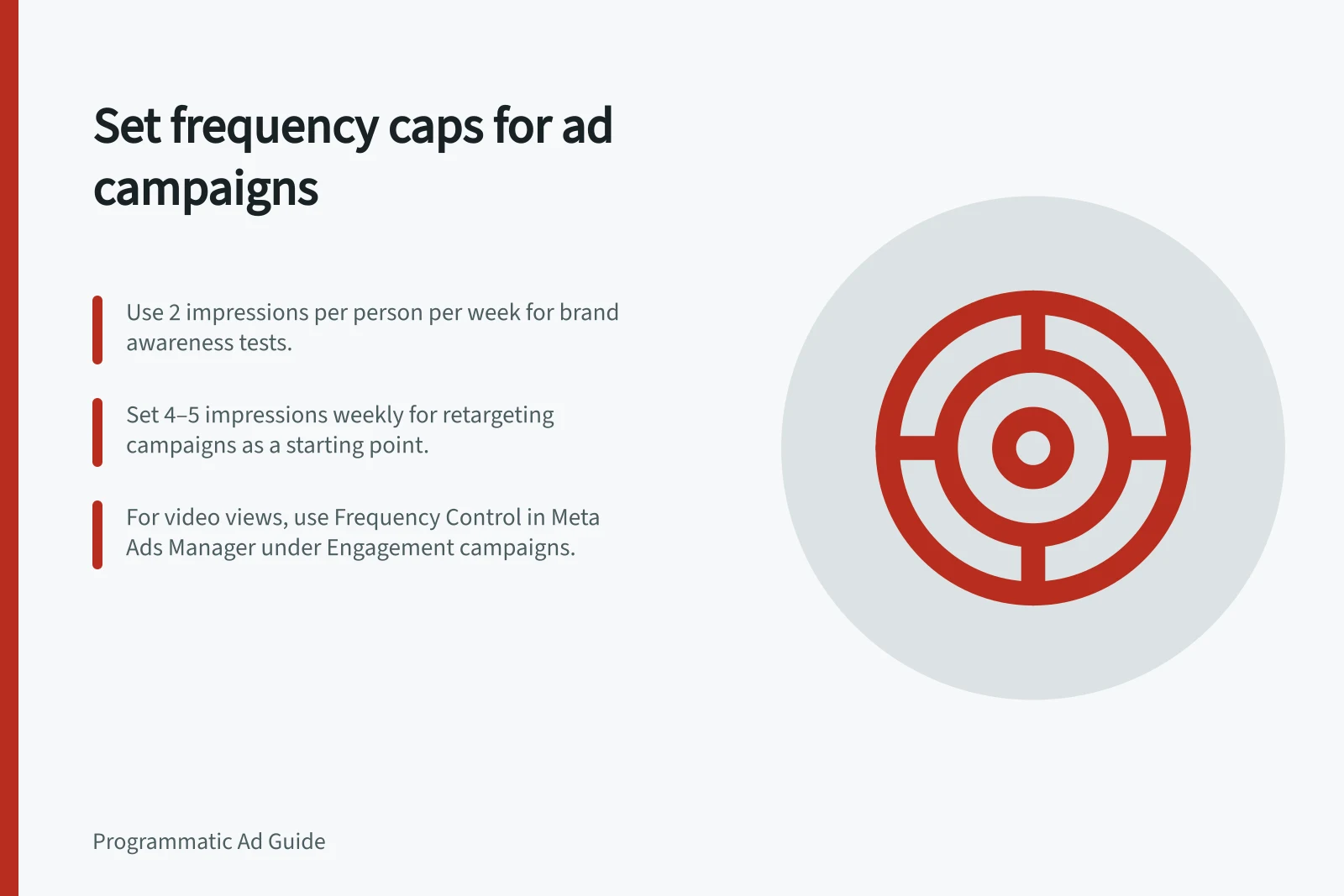
For brand awareness, use 2 impressions per person per week as a test starting point. For Meta Reach optimisation, a cited default is 1 impression every 7 days. For retargeting, a practical starting point is around 4–5 impressions per week; treat all these settings as tests, not universal benchmarks.
For engagement or video views, set a permitted cap and test its effect on the selected outcome rather than borrowing the awareness figure. For conversion campaigns, Meta does not offer a direct cap; manage frequency indirectly through audience and creative choices.
In Meta Ads Manager, set a custom cap for Reach or Brand Awareness at the ad set level under “Optimization & Delivery”. For an Engagement campaign, Frequency Control may appear when the conversion location is “On Your Ad”, the engagement type is “Video Views” and the performance goal is “Maximize ThruPlay views”. Check the box, then choose Frequency Cap and enter the limit.
TikTok Ads Manager supports caps for Reach, Reach & Frequency, and Video views campaigns using 6-second or 15-second focused-view optimisation. During ad creation, find Frequency cap in the ad group’s “Bidding and optimization” settings, then select a preset or enter a custom number of impressions over a period of days.
For Meta conversion campaigns, audience size and creative rotation are indirect ways to manage frequency. Automated rules can pause a campaign or reduce its daily or lifetime budget when frequency gets too high, but they do not enforce a cap.
Use a seven-day window for the weekly starting settings above. If the intended limit is one impression per day, set a daily window; keep the cap and window clear when applying the setting.
Before launch, define the campaign outcome and what would prompt a change, such as rising cost per useful action or a decline in quality. A cap restricts the delivery algorithm and can lead to worse results, so change the cap as a test and keep other settings steady where possible. Review reported frequency after data has settled, then assess whether the selected outcome improved or declined.
Recommended Frequency Caps by Campaign Objective (Australia)
- Brand Awareness
- 2 impressions per person per week
- Meta Reach Optimisation
- 1 impression every 7 days (default)
- Retargeting
- 4–5 impressions per week
- Engagement / Video Views
- Custom cap based on testing; not recommended to use awareness setting
- Conversion Campaigns (Meta)
- No direct frequency cap; manage via audience size and creative rotation
Platform Support for Frequency Capping (Australia)
- Meta Ads (Facebook & Instagram)Yes – via ad set settings for Reach, Brand Awareness, and Engagement campaigns
- Google Display & Video 360Yes – caps apply at ad group or line item level
- TikTok Ads ManagerYes – for Reach, Reach & Frequency, and Video Views campaigns
- Amazon AdvertisingYes – supports frequency capping in campaign settings
Pre-Launch Frequency Cap Checklist (Australia)
- Define campaign outcome (e.g., brand recall, conversions)Ensure objective is clear before setting caps.
- Use a 7-day window for weekly capsSet daily caps only if one impression per day is intended.
- Test, don’t assume – start with recommended benchmarksAdjust based on performance, not defaults.
- Monitor cost per useful action and quality scoresChange cap if these metrics decline post-launch.