Campaign Setup
Frequency management in programmatic campaigns
Programmatic frequency management limits repeated delivery to a recognised user or device over a defined period.
Programmatic frequency management limits repeated delivery to a recognised user or device over a defined period. It balances new reach with reinforcement, but no cap guarantees an exact number of human views. Identity gaps, separate buying paths and reporting definitions all matter.
Start with the campaign objective and the audience size. A broad awareness campaign may prioritise additional reach; a short response campaign may need enough exposures to make the message understood. Choose a starting cap and window as a testable control, then inspect reach, frequency distribution and the outcome together.
Make the identity scope explicit
A frequency cap works across devices only when the buying platform can associate those devices with a person. Adobe Advertising DSP describes a LiveRamp integration that extends an audience to a person’s known devices and applies frequency management at person level rather than device level.
In Adobe Advertising DSP, the people-based setting is configured when creating a campaign: select “People” instead of “Same Device” and choose a device graph. The graph is used for cross-device targeting and frequency management across the campaign, package and placement. The Cross-Device Level setting cannot be changed after the campaign is saved, so confirm the intended identity scope before launch.
The LiveRamp graph is described as containing data predominantly from the United States. For Australian campaigns, treat that as a coverage consideration: a person-level cap depends on how well the selected graph represents the intended audience, not simply on the cap value entered in the platform.
Use reporting that fits the control
In Display & Video 360, available frequency measures include Average Impression Frequency per User, Average Impression Frequency per User (7 days), and frequency distribution bands from 1+ through 10+. These provide different views of how often people were shown an ad; select the measure that matches the period and type of control being reviewed.
The reporting date range has a practical limit: most reach and frequency metrics can only be reported for periods of 92 days or less. A longer selected range may mean that reach data is not visible in the table, so keep reporting periods within the supported window when checking how a campaign’s frequency control is operating.
Metric availability also depends on country support and minimum thresholds for impressions and unique users. Unique reach models do not support every country, and a line item may not show reach and frequency data until the required thresholds are met. Keep those platform limits in mind when setting up a regular review; missing data is not, by itself, evidence that the cap has stopped working.
Check serving status as well as cap settings
A configured cap is only relevant while the campaign is eligible to serve. In Display & Video 360, an active campaign can serve through active insertion orders and line items; a paused campaign cannot serve even if they remain active.
Do not assume planned or completed dates stop delivery. Display & Video 360 states that campaign flight dates do not affect serving, and a completed campaign may still serve when its insertion orders and line items are active. Check the status of each level—campaign, insertion order, line item—when reviewing delivery against a cap.
When setting up a campaign, record which platform control is intended to govern frequency and confirm the campaign is active. In Adobe Advertising DSP, additional caps can be set at package and placement level, and the platform applies the strictest cap in the campaign hierarchy.
Place the cap at the right level
For guidance on managing exposure across line items, see the supporting article.
The same platform's reach reports are modelled, can account for co-viewing and may be delayed or unavailable at low volume. For guidance on reading reach and frequency together, see the supporting article.
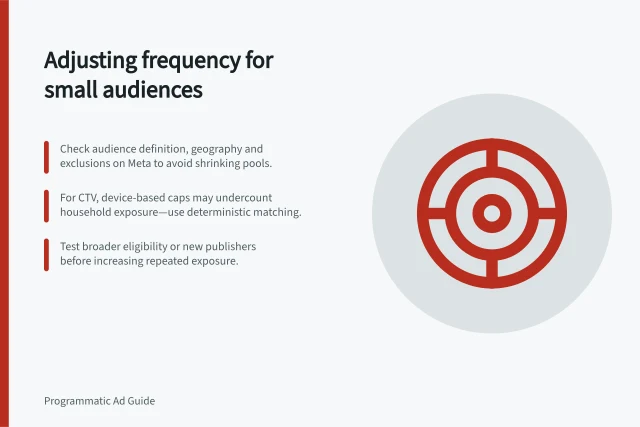
For small audiences, see the supporting article on adjusting frequency.
In this guide
- Reading reach and frequency togetherReading reach and frequency together: practical checks and decisions for this workflow.
- Adjusting frequency when audience pools are smallA small audience can reach a cap quickly, leaving a campaign with little eligible inventory.