Campaign Setup
Part of Programmatic brand suitability
Translating a brand's requirements into placement exclusions
Turn a brand suitability brief into precise URL, app, channel or contextual exclusions, then check their scope and delivery.
Turn a brand requirement into a placement exclusion by identifying the context the brand wants to avoid. Write that circumstance plainly, choose a control whose reach fits it, and record acceptable content the control might also remove. A request to avoid one kind of article does not automatically justify blocking its publisher.
Rewrite the brief as decisions
“No controversial content” is too vague to implement consistently. Ask the brand owner for examples that must be avoided and examples that remain acceptable. Specify the campaign, message, market, language and environments. Then decide whether the concern applies to:
- A whole property.Use a verified domain or app ID if the requirement applies throughout it.
- A section or page.Use a narrower URL or available contextual control, checking how the platform handles URL paths.
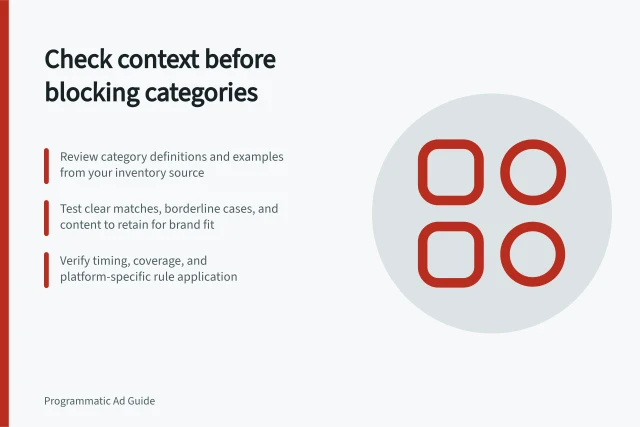
- A changing topic.Consider a defined category or verification segment, recognising that classification and coverage vary.
For example, a brand might avoid graphic accident imagery while accepting transport reporting. That hypothetical rule concerns imagery and context; a blanket transport-news exclusion expresses a broader policy.
Match the control to its reach
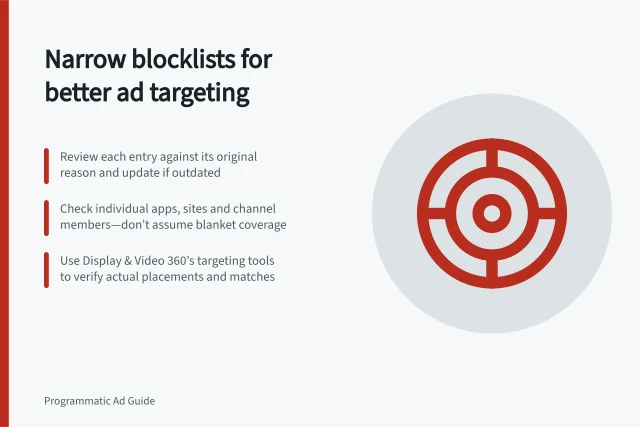
Display & Video 360 provides app, channel and website targeting. Before using a channel, confirm which properties it contains.
Do not assume that the behaviour of one control proves the effect of another. Confirm what an exclusion covers before applying it.
Check the available scope of a suitability control before applying it as a shared requirement. A campaign-specific concern needs an available narrower control.
Record before implementation / Why it matters
- Requirement and approved examples
- Shows what the brand meant
- Exact URL, domain, app ID, channel or category
- Identifies the implemented rule
- Level and environments affected
- Shows which buys can inherit it
- Acceptable content that might be lost
- Makes overblocking visible
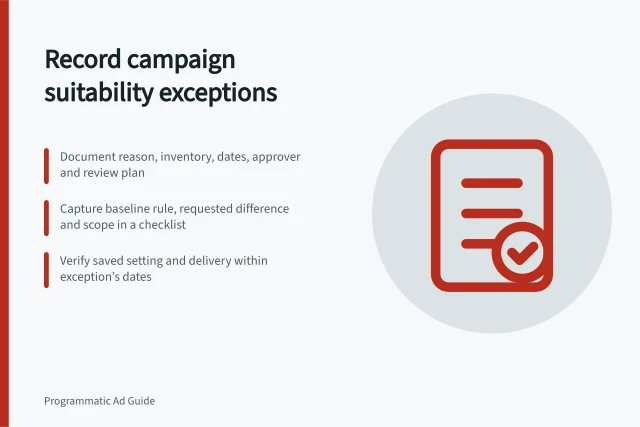
- Owner and review date
- Provides a route for correction
Check the saved and delivered result
Inspect the saved setting at the intended level. Review each saved inclusion or exclusion against the brief.
After activation, review placement and delivery reporting over the same dates.
If an unwanted placement appears, check the identifier, environment, timing and buying route. If delivery falls more widely than expected, review the rule's reach with the brand owner before changing it.