Campaign Setup
Part of Programmatic campaign audits
Checking a campaign's settings against the approved brief
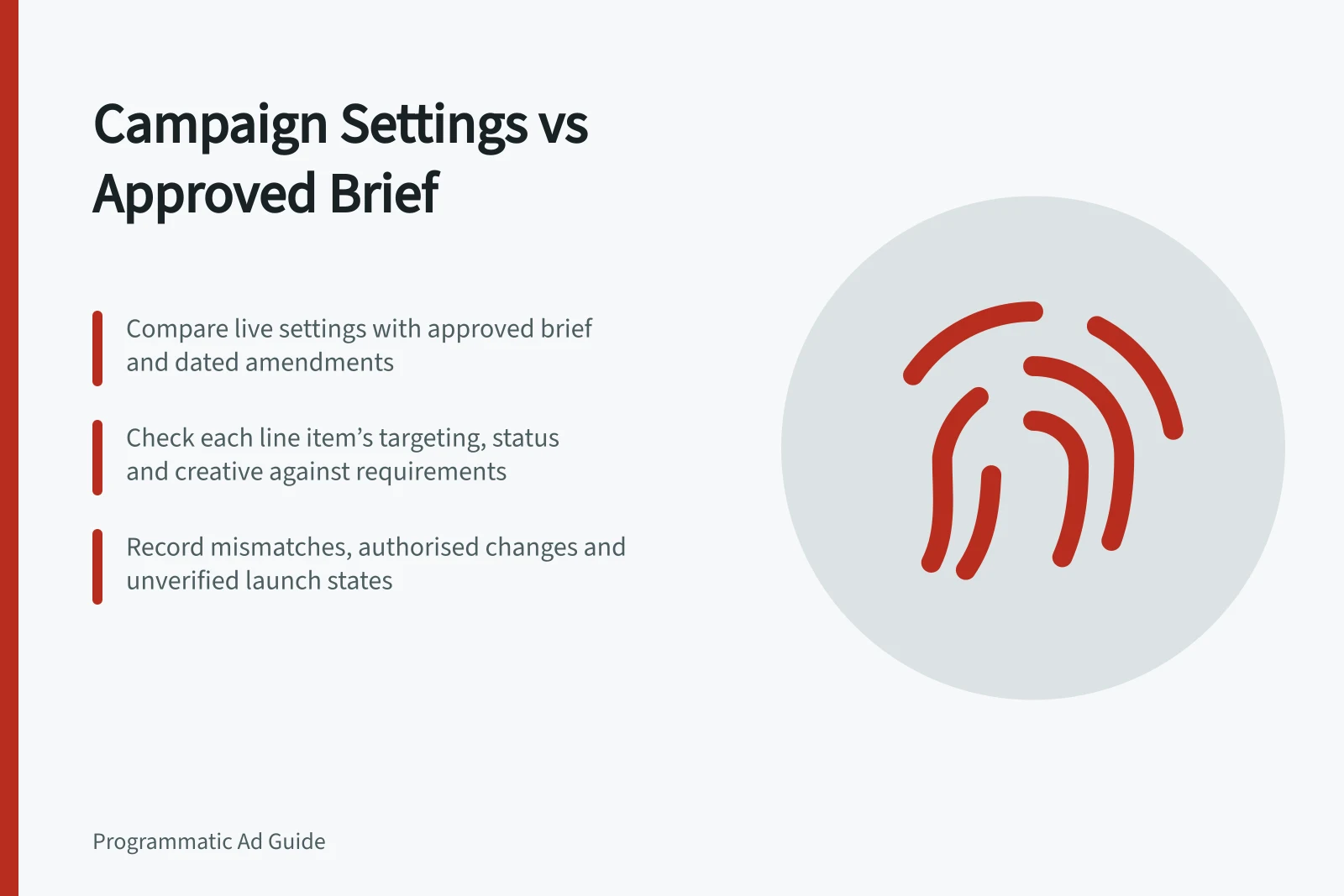
Compare approved campaign requirements with dated buying settings, inherited controls and change history.
Compare each approved requirement with the settings that governed serving at the level and time it applied. The result should separate matches, authorised changes, mismatches and requirements that cannot be verified. Today's configuration cannot prove what was active throughout a flight.
Set the comparison point
Start with the approved brief and dated amendments. Identify the flight, currency, named time zone, buyer account, campaign, insertion-order and line-item IDs. Decide whether the review concerns launch, a particular delivery period or final state. Keep those states separate when settings changed.
Turn each instruction into a testable row. Mark it required, approved flexibility or informational. A fixed Australian geography, purchaser exclusion or authorised spend limit needs a different response from a suggested placement mix.
| Brief requirement | Evidence to inspect | Result to record |
|---|---|---|
| Flight and spend | Governing dates, budgets and pacing | Saved value, period and approval status |
| Market and audience | Geography, audience IDs and exclusions | Exact rule on each affected item |
| Inventory and suitability | Sources, deal IDs and applicable controls | Eligible routes and exceptions |
| Creative and measurement | Assigned creative IDs and selected event | Intended assets and event configuration |
Key Data Points to Verify in Campaign Settings
- Approved Budget
- AUD $X,XXX,XXX
- Target Geography
- Australia (AU) only
- Spend Pacing
- Even pacing
Follow the settings hierarchy
Review saved settings at each relevant level and compare them with the approved requirements. Record the item and time period each setting applies to. Verify the observed value rather than assuming a parent-level setting determines a child item's configuration.
Check each relevant line item's saved targeting and compare it with the applicable requirement. Record any exceptions or differences for review.
Check status and creative assignment as well as setting values. Verify each item's own status and eligibility rather than assuming a parent setting establishes them. Compare duplicated items by ID and saved rule, not by name.
Reconstruct changes carefully
Compare dated settings captures with available event history and approval records. Treat a recorded edit as evidence of a change, but not by itself as proof of why it was authorised or its exact effect on delivery. If the earliest reliable record is from mid-flight, label the launch state unverified.
For each mismatch, record the requirement, item ID, observed value, known period, approval reference and delivery potentially affected. Use matching delivery reports to assess materiality; a setting difference alone does not yield an exact affected-impression count.
Finish with a disposition: correct a live mismatch, accept a documented authorised change, or request missing evidence. Escalate a missing fixed requirement to the campaign owner even if reported outcomes appear strong.