Private Deals
Part of Private marketplace deals
Comparing deal IDs by access, floor price and inventory
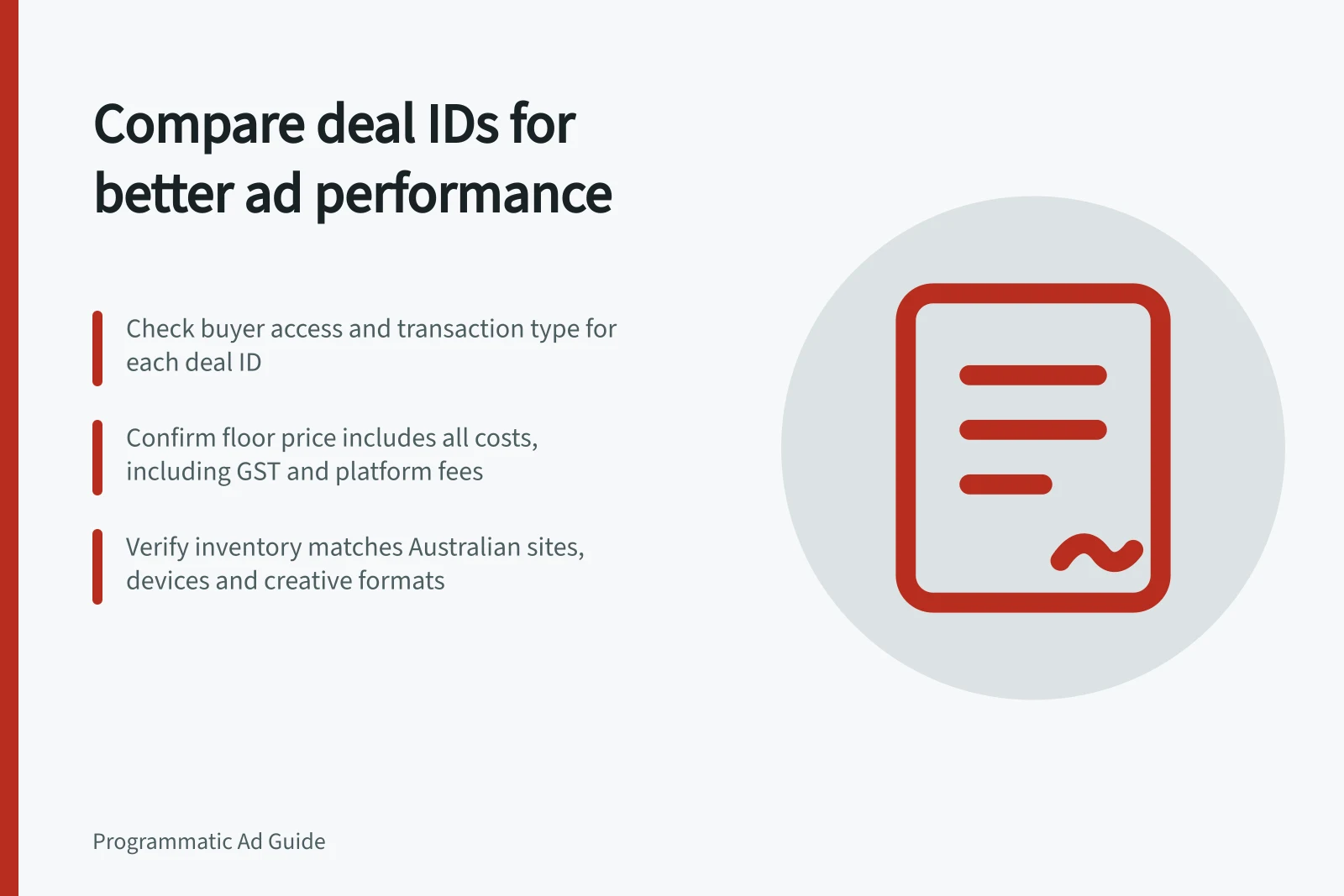
Use a consistent worksheet to compare private deal IDs, buyer access, floor or fixed pricing, and inventory the campaign can actually buy.
Compare deal IDs as offers with different access, price rules and usable inventory. Two similarly named offers can reach different buyers, formats or placements. A lower stated floor may be a poor fit if little relevant inventory reaches the campaign.
Build one row per offer
Ask the seller for the terms behind each ID and check what the buyer's platform shows. Use the same fields for every candidate:
| Field | Question to resolve |
|---|---|
| Buyer access | Which buyer account and advertiser may bid, and is the offer available to them? |
| Transaction type | Is this a private auction, preferred deal or another arrangement? Is volume reserved? |
| Price | Is the CPM a floor or a fixed rate? What is the currency, and which buying costs sit outside it? |
| Inventory | Which properties, placements, environments, formats and sizes can generate requests? |
| Market and flight | Which geography and dates apply, and what time zone governs the handoff? |
| Creative conditions | Which approvals, categories or technical formats are required? |
| Opportunity | What comparable request history or seller estimate is available? |
Check the agreement if a seller uses different terms. Confirm rate and flight dates with the seller rather than guessing.
Comparing Deal IDs by Access, Floor Price and Inventory
- Buyer accessWhich buyer account and advertiser may bid, and is the offer available to them?
- Transaction typeIs this a private auction, preferred deal or another arrangement? Is volume reserved?
- PriceIs the CPM a floor or a fixed rate? What is the currency, and which buying costs sit outside it?
- InventoryWhich properties, placements, environments, formats and sizes can generate requests?
- Market and flightWhich geography and dates apply, and what time zone governs the handoff?
- Creative conditionsWhich approvals, categories or technical formats are required?
- OpportunityWhat comparable request history or seller estimate is available?
Compare price in context
A private-auction floor is a bid eligibility condition, not an all-in campaign cost or a delivery promise.
A floor sent in a bid request may omit a creative-specific floor that still applies when the bid is evaluated. Confirm the applicable rules for each actual offer.
Compare offers using the campaign's authorised cost definition. If the media price is quoted in one currency and the budget in A$, record the conversion basis used for approval.
Include separately charged data or service costs. A cheaper floor is not an outcome measure.
Key Considerations for Private Deal Comparison
- Floor vs. All-in CostA floor is a bid eligibility condition, not a delivery promise or total campaign cost.
- Currency ConversionIf media price is in USD, record A$ conversion basis used for approval.
- Additional CostsInclude separately charged data or service fees; cheaper floor does not mean better value.
Compare inventory the campaign can use
Check whether each offer includes the intended site or app, device, format and Australian market. Then apply the campaign's audience, exclusions, suitability rules and creative sizes. A broad seller estimate may leave much less usable inventory under those conditions. Confirm placement boundaries if publisher context matters.
If two IDs cover overlapping inventory, record the overlap rather than adding their estimates as independent pools. Select the offer whose confirmed terms and eligible placements best fit the brief. If both remain plausible, compare them under the same limited pilot criteria before allocating more.
Steps to Verify Deal ID Suitability
- Confirm site or app inclusionEnsure the offer covers intended Australian publishers or apps.
- Check device and format alignmentVerify supported devices, ad formats, and creative sizes match campaign specs.
- Apply audience and exclusion rulesAssess usable inventory after applying targeting, exclusions, and suitability filters.
- Account for inventory overlapDo not add overlapping estimates; use confirmed placement boundaries instead.
- Run pilot comparison if neededTest both offers under same limited criteria before scaling allocation.