Campaign Audits
Part of Private marketplace deals
Troubleshooting a deal that wins no impressions
Trace zero private-deal wins from requests through bids, price filters and auctions, then correct the constraint the evidence identifies.
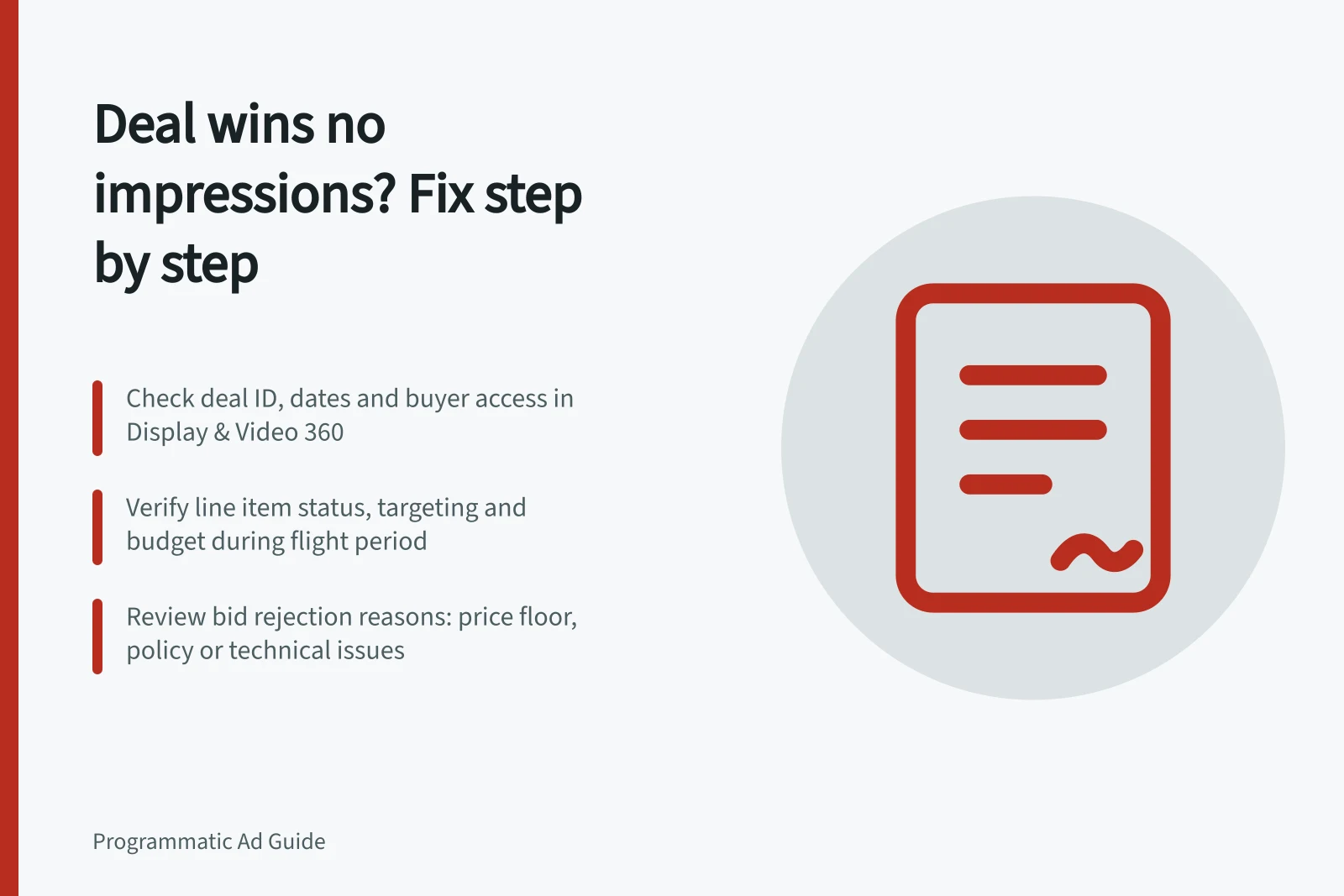
When a private deal wins no impressions, find the first stage where delivery stops. Check whether requests for the deal reach the intended buyer, whether its line item can bid, and whether submitted bids clear the price condition and win. Zero wins alone does not identify the cause.
Confirm the deal and reporting window
Record the exact deal ID, exchange, buyer account, advertiser, transaction type, flight dates and reporting time zone. Check that the offer is available to the buyer and that the line item is active during the same period.
In Display & Video 360, check inventory-source targeting for the line item, and verify the saved deal ID rather than a similar deal name.
Check whether reporting is ready for the question. An empty diagnostic field is not proof that no opportunities were lost at that stage.
Key metrics for private deal troubleshooting
- Deal ID
- Ensure exact match in both seller and buyer systems
- Flight Dates
- Confirm active during campaign period; avoid gaps between start/end dates
Locate the break
| Observation | Next check |
|---|---|
| Few or no requests for this ID in the selected report | Ask the seller to verify deal targeting, dates, buyer access and whether relevant inventory generated requests. |
| Requests arrive but the buyer sends no bid for this ID | Check line-item status, deal targeting, geography, audience, creative, budget, pacing and frequency. Where seller reporting allows, check whether the buyer bid through another source or ID. |
| Bids are filtered | Read the reported creative, policy, technical or price rejection reason. |
| Bids meet the price condition but lose | Check the reported auction-loss reason and competing demand before changing the bid. |
Google Ad Manager provides private-auction troubleshooting. The seller and buyer may each need to inspect their own settings.
Private deal vs. open auction performance indicators
- Request VolumePrivate deals may receive fewer requests due to targeted inventory; open auctions see broader reach.
- Bid SubmissionPrivate deals require explicit buyer acceptance; open auctions auto-bid based on rules.
- Price FilteringPrivate deals often have fixed floors; open auctions use dynamic floor pricing.
- Auction CompetitionPrivate deals face limited competition; open auctions compete with broader demand.
Fix the evidenced constraint
If few suitable requests arrive, confirm the offered property, placement, format and Australian market with the seller. For video, check whether player inventory also appears on embedded sites.
If requests arrive but the buyer does not bid on this ID, inspect the saved targeting combination and active creative. Display & Video 360’s deal and line item troubleshooting can help identify reasons where data is available.
If private-auction bids fall below a floor, decide whether the inventory is worth a higher bid. Check whether Google Ad Manager pricing rules apply to the deal.
Ask the seller which rule applies if a rejection does not match the expected price. For a preferred deal, check the deal terms that apply.
If the price condition is met but bids lose, compare the reported competition with the campaign’s maximum acceptable cost. Record the change, its owner and the next observation window. Close the incident only after later reporting shows wins for the intended deal ID and the delivered placements still fit the brief.
Pros and cons of using preferred deals in Australia
- ProsGuaranteed inventory access, better control over ad placement, potential for higher CPMs. Useful for Australian brands seeking premium placements on local sites like Nine, Fairfax, or News Corp Australia.
- ConsLimited reach compared to open auctions; risk of zero impressions if targeting is too narrow. May not perform well if bid prices are below market rate for Australian digital audiences.