Campaign Setup
Part of Programmatic campaign setup
Checking creative approval before campaign activation
Check creative assignment, Display & Video 360 and exchange status, and required variants before campaign activation.
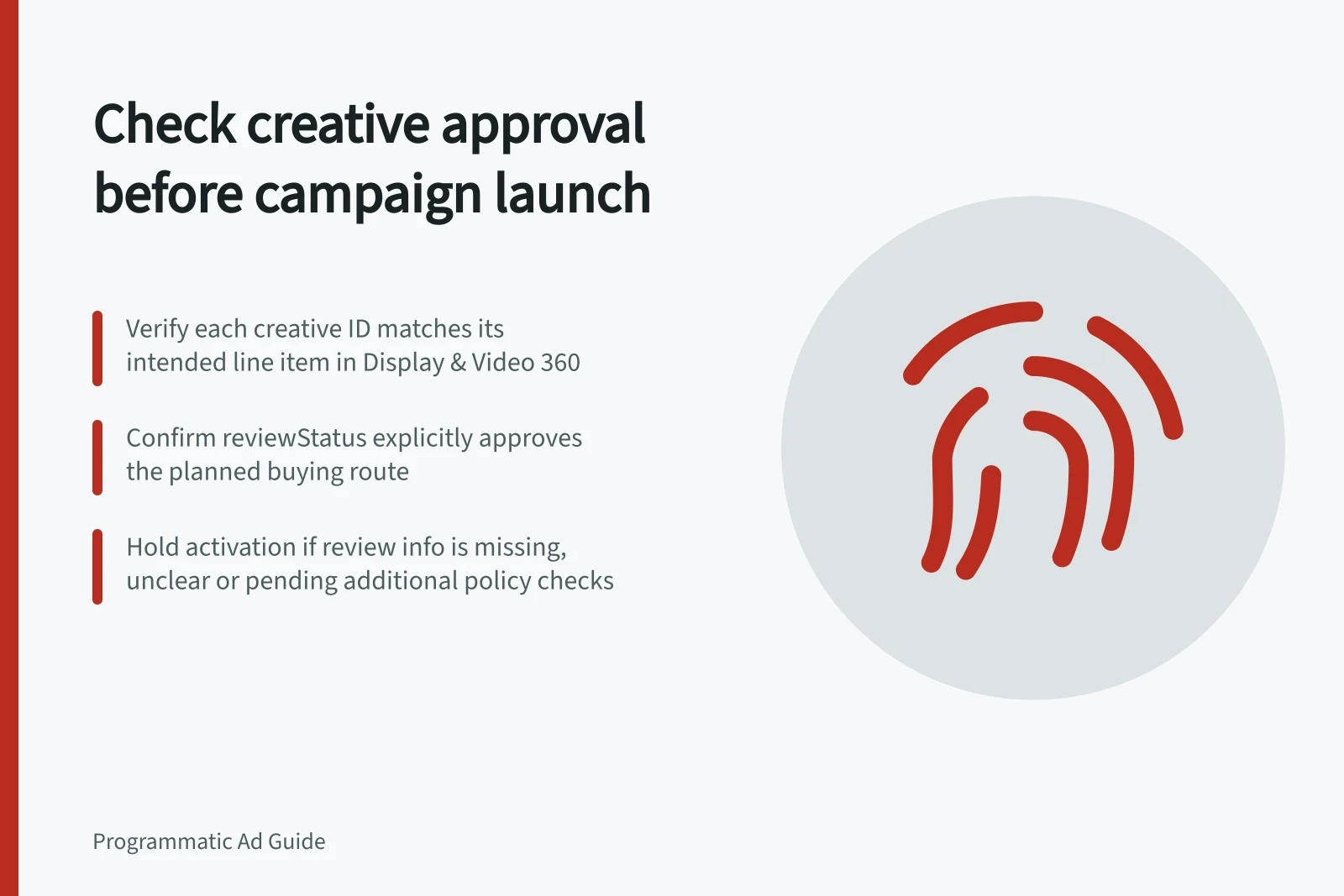
Before activation, reconcile every required creative ID with its intended line item, then make a separate approval decision for the planned buying route. In Display & Video 360, inspect each creative’s reviewStatus in the advertisers.creatives API resource and check the route-relevant review information. Activate only when the assignment is correct and review information explicitly confirms approval for that route.
Match assets to line items
Record each creative ID, format, size, language, intended destination, assigned line item and inventory source. Note the approved message version and who owns any correction.
Open each intended line item and inspect its assigned creatives. Compare the saved assigned IDs with the required creative IDs, then compare the recorded inventory source with the planned buying route. Resolve any assignment or route mismatch before activation.
Read both review states
The Display & Video 360 API’s advertisers.creatives resource exposes reviewStatus. Its schema names ApprovalStatus, ReviewStatus, ExchangeReviewStatus and PublisherReviewStatus; check the route-relevant review information for each required creative rather than assuming a general result covers the planned route.
Decision: proceed only when the intended line item has the correct creative assignment and review information explicitly confirms approval for the planned route. If review information is absent, unclear or does not confirm approval, hold activation.
If the review information indicates that creative and landing-page review have passed but the creative is awaiting additional content and policy review, hold activation. The creative may be described as servable, but that outcome does not confirm that the additional review is complete.
| Finding | Decision before activation |
|---|---|
| Required creative is unassigned | Assign it, save and check eligibility again. |
| One asset can serve but a required variant cannot | Confirm whether the approved brief allows a reduced set or hold activation. |
Approval of one asset does not establish that every promised message, language or size can run.
Creative approval status by route
- Display & Video 360 Review Status
- Approved
- Exchange Review Status
- Pending
- Publisher Review Status
- Approved
Leave time for review
Confirm the intended destination recorded for each creative. Raise any mismatch for a separate ad-to-page check.
Record the creative and line-item IDs, required route, observed status, reviewer, time and unresolved issue immediately before activation. Treat a submitted correction as pending until its later approval state is checked; keep activation on hold until the updated review information confirms approval for the intended route.