Measurement
Part of Programmatic campaign measurement
Comparing post-click and post-view conversions
Compare post-click and post-view conversions using consistent events, windows and attribution rules, and understand what the split cannot prove.
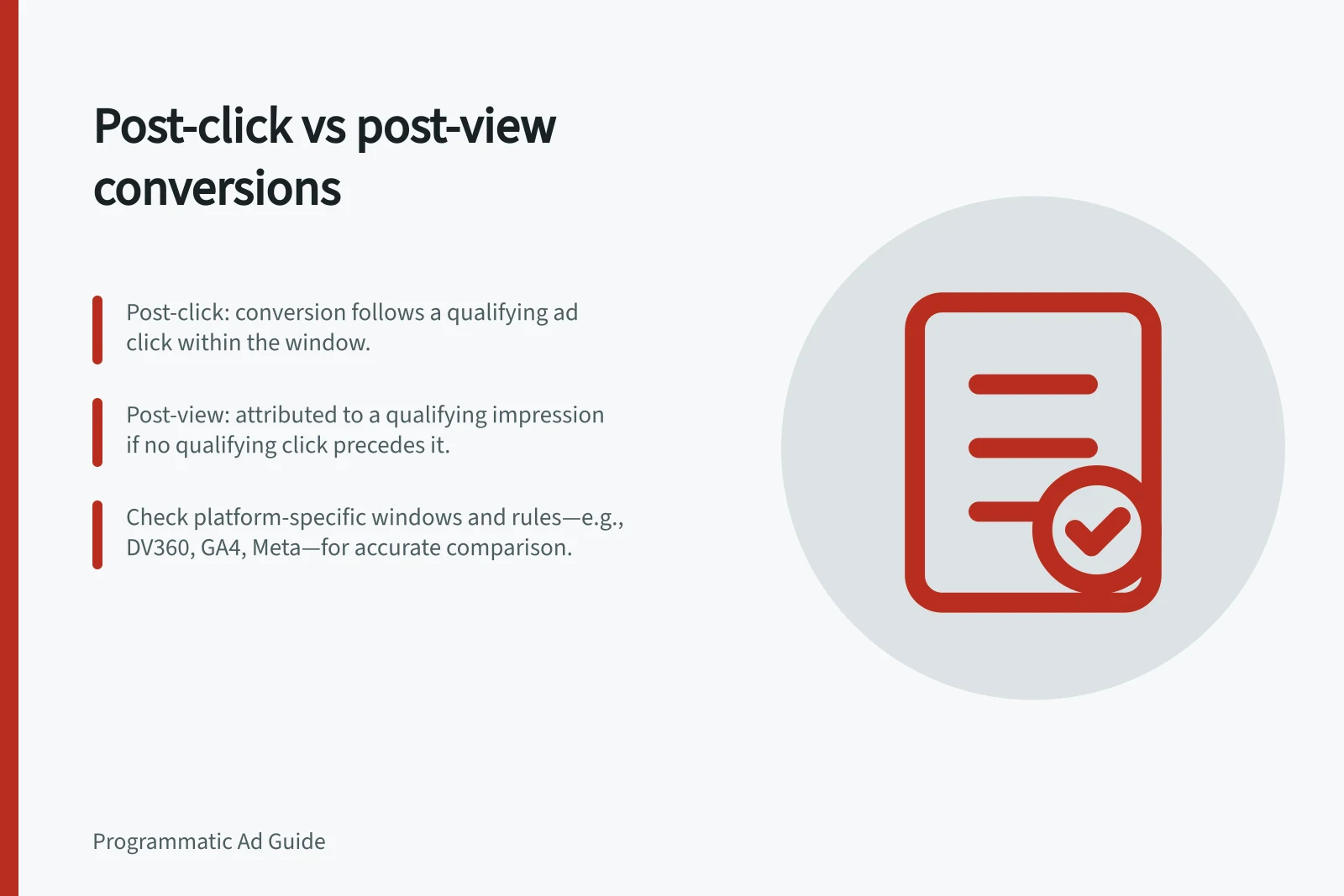
A post-click conversion follows a qualifying ad click within the selected window. A post-view conversion is attributed to a qualifying impression when a qualifying click does not take precedence under the selected rules.
Read the split as a classification of reported conversions, not a direct comparison of causal impact. If the report makes the categories mutually exclusive, compare each count and its share of the combined post-click and post-view total; otherwise, keep the counts separate and follow the report’s counting method.
Check the classification rule
Under a click-priority rule, a qualifying click within its applicable window classifies the conversion as post-click; if no qualifying click takes precedence, a qualifying impression may be classified as post-view. Check the exact rule used in the report, because other attribution models or platforms may use different rules.
First-touch, last-touch, linear, time-decay, position-based and W-shaped are attribution-model labels. Their names alone do not specify which qualifying interaction takes precedence in a post-click/post-view split. Record the model behind the reported split before comparing categories.
The available post-click and post-view windows depend on the platform and setup. Where more than one window setting applies, check how they interact, record the effective settings and note the date they applied. A change to a window can affect comparability between periods; do not substitute presumed default lengths for the values used in the report.
Post-click vs Post-view Conversions: Key Differences in Programmatic Reporting
- DefinitionConversion attributed to a qualifying ad click within the selected window.
- Trigger ConditionA qualifying click must occur within the defined click window to take precedence.
- Attribution PriorityClicks have priority over impressions under click-priority rules.
- When Post-View AppliesOnly when no qualifying click occurs within the click window.
- Common Use CaseMeasuring impact of display ads that drive actions after users see but don’t click.
Keep the comparison consistent
| Check | Why it matters |
|---|---|
| Conversion event | A purchase, completed form and page visit answer different questions. |
| Counting method | The chosen method can change how many conversions are counted. |
| Click and view windows | Different windows change which interactions can qualify. |
| Attribution model | Models can assign credit differently; the default report model also needs checking. |
| Eligible impressions | The model defines which impressions can qualify, which can affect the total. |
| Reporting cut-off | Use a consistent cut-off when comparing periods. |
Google Display & Video 360 (DV360), Google Ads, Meta, GA4, Campaign Manager 360 and Search Ads 360 are names a reader may encounter. Do not assume figures across platforms use the same event, counting method or classification just because a conversion label matches.
Start with the report that produced the figures: note its exact conversion labels, event, date range, model, windows and cut-off. Compare counts and, where the categories are mutually exclusive, their shares of the same combined total; a difference between counts shows how conversions were allocated under those settings, not which category caused more outcomes.
A post-view total should not be described as confirmed viewable exposure unless the selected model supports that description.
For example, suppose someone sees an ad, clicks it two days later and purchases the next day. If the interactions qualify under the chosen windows, the purchase is classified as post-click.
Removing the eligible click from that history could change the category without changing the purchase. This is an illustration of the rule, not a campaign result.
Key Factors Affecting Post-Click and Post-View Counts
- Conversion Event
- Purchase, completed form, page visit – each answers different questions.
- Counting Method
- Can influence total conversion counts; check report settings.
- Reporting Cut-off
- Must be consistent across time periods for valid comparisons.
Use the split for the right decision
Post-click reporting shows actions associated with qualifying clicks; it does not describe every influence on the customer. Post-view reporting shows actions associated with qualifying impressions without a click taking precedence under the selected rule.
The split can describe how a selected rule allocated reported conversions and support comparisons between reports with aligned events, dates, counting methods, windows and models. A larger post-view count means more conversions were assigned to that category under those rules; it does not establish greater incremental impact.
Some of those actions might have occurred without the ad. Do not call post-view conversions incremental sales or dismiss them solely because no click was attributed.
Show the two categories with their event and rules attached. Put first-party purchases or qualified enquiries alongside them as a separately labelled measure.
If the decision requires an estimate of additional outcomes caused by advertising, use a suitable experiment or comparison. A change in the post-click/post-view split alone cannot answer that question.
Using Post-Click and Post-View Splits for Decision-Making
- Pros
- Shows how attribution rules allocated conversions; useful for comparing aligned reports.
- Cons
- Does not prove incremental impact; post-view conversions may occur without ad influence.
- Misinterpretation Risk
- Avoid calling post-view conversions 'confirmed viewable exposure' unless model supports it.
- Best Practice
- Pair with first-party data (e.g., qualified leads, purchases) for stronger insights.