Measurement
Part of Programmatic conversion tracking
Handling delayed conversions in optimisation decisions
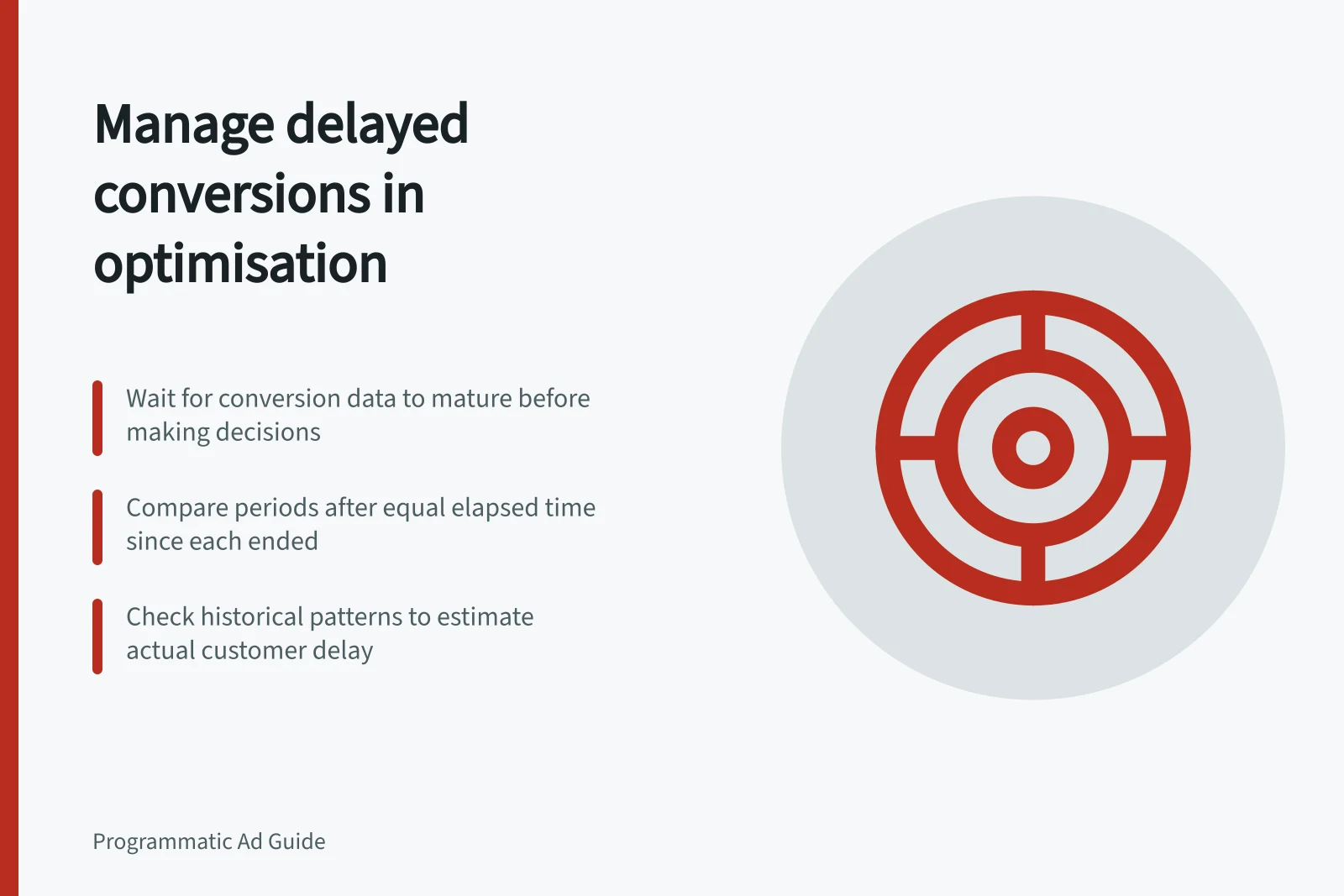
Compare conversion periods at equal maturity and keep recent results provisional before changing programmatic bids or budgets.
Treat a recent cost-per-conversion figure as provisional until that period's outcomes have had a reasonable chance to appear. Keep checking spend and delivery, but compare performance across periods with similar conversion accumulation time. Otherwise a line item whose customers act later can look weaker than one whose customers act quickly.
Separate customer and reporting delay
Customer delay is the time between an eligible ad interaction and the completed action. Reporting delay is the time between that action and its appearance in a usable report.
An attribution window determines which earlier interactions can receive credit. It does not promise immediate reporting, nor does it specify how long this campaign's customers take to act.
Check the report's stated freshness and availability. These are reporting details, not a campaign-specific wait before an optimisation decision. Estimate the campaign's actual lag from comparable historical actions and dated report snapshots where available.
Conversion Reporting Timeline: Customer Delay vs Reporting Delay
- Ad Interaction
- User clicks on ad (eligible interaction)
- Customer Delay
- Time between interaction and completed action (e.g., purchase, sign-up)
- Action Recorded
- Conversion event captured by tracking tag
- Reporting Delay
- Time between action recording and appearance in report
- Report Available
- Final data visible in Google Display & Video 360 reports
Compare periods at equal maturity
Use the report's stated date basis and a named time zone. Compare completed periods after the same elapsed time since each period ended. Keep the current period separate and label it early. If the report attributes conversions to an earlier interaction date, check that basis before interpreting later additions to that period.
Record / Purpose
- Period, date basis and extract time
- Shows what was compared and when
- Spend and delivery
- Shows what was bought before outcomes mature
- Conversions at successive snapshots
- Shows how each period’s reported result develops
- Event, window or tag changes
- Identifies breaks in comparability
- Decision and next review
- States whether to hold, investigate or adjust
Avoid a universal uplift factor for fresh totals. A team with enough comparable history can estimate how its own results usually develop, but should record the sample and uncertainty. A new event definition, inventory mix or season can change the pattern.
Make the decision the evidence supports
Investigate a missing event, wrong selected activity or serving fault promptly; waiting for a mature cohort will not repair it. For a healthy but immature period, use an earlier signal only if it has been checked against the completed outcome. Label it as a proxy.
When comparable mature periods show a sustained difference under consistent measurement settings, consider a bid or budget change. Record the reason, affected line items, effective time and next review. Do not let optimisation work delay fixing a broken tag or delivery fault.
At flight close, take a dated later snapshot and state whether the agreed reporting interval has elapsed. Any recent period that may still change remains provisional; do not fill it with an assumed final result.
Best Practices for Handling Delayed Conversions in Optimisation
- Investigate missing or incorrect conversion events immediatelyDo not wait for maturity to fix broken tags or delivery issues
- Use historical patterns to estimate conversion lagBase projections on past campaign behaviour, not assumptions
- Label immature periods as 'provisional'Avoid filling gaps with assumed final results
- Record bid/budget changes with rationaleInclude line items, effective time, and next review date
- Verify reporting interval at flight closeConfirm whether the agreed delay window has passed