Campaign Setup
Part of Running a programmatic advertising campaign
Preparing a campaign brief for a programmatic trader
Build a trader brief that defines the campaign outcome, budget, supply, creative, measurement and authority for changes.
A trader brief should state the intended outcome, buying constraints and authority for changes. It should give the trader enough to propose a setup and the advertiser a way to check that proposal; replace vague requests such as ‘reach the right people efficiently’ with decisions the team can inspect.
Put the outcome and measure first
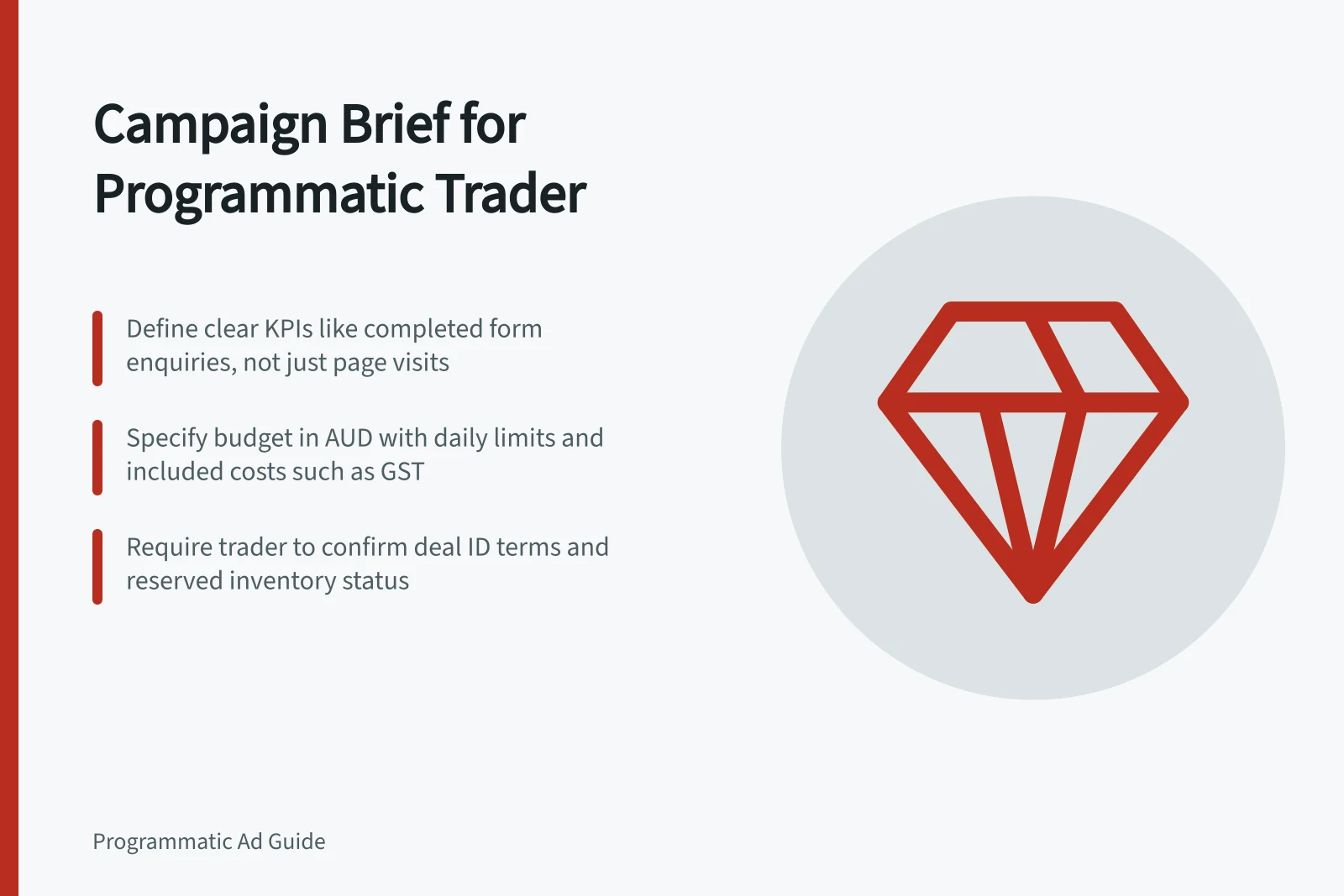
State the campaign purpose, intended market and one primary outcome. Define what counts: for example, an enquiry after a completed form rather than a visit to the form page. Name the reporting source, attribution window and any measure used only as a proxy. If the event is not ready, list it as a launch dependency.
| Field | What to specify |
|---|---|
| Objective and KPI | Business outcome, metric definition and review date |
| Flight | Start and end dates, named time zone and any restricted hours |
| Budget | Currency, total authorised amount, any daily limit and included costs |
| Audience and market | Eligible geography, audience definition and exclusions |
| Supply | Allowed buying routes, named publishers or deals, formats and inventory rules |
| Creative and destination | Approved assets, required sizes or formats, landing pages and approval owner |
| Measurement | Event owner, counting rule, attribution window and reporting fields |
| Governance | Decision owner, change authority, report schedule and escalation trigger |
Separate requirements from preferences
Label instructions required, preferred or open to trader recommendation. A hard exclusion and maximum authorised spend should remain limits. A preferred placement may be weighed against reach or cost within the agreed authority. Ask the trader to show where each required rule appears in the setup.
Specify a buying method when the inventory or commercial requirement calls for it. For a private deal, provide the deal ID or publisher contact, intended inventory, price rule, dates and discrepancy owner. Ask the trader to confirm whether inventory is reserved and record the applicable terms; do not infer this from a deal ID alone.
Check the proposed setup
Request a summary of campaign and line-item names, budgets and pacing, targeting and exclusions, buying routes, bid goal, frequency controls, assigned creative, landing pages and conversion events. Ask which settings apply at each level.
For Display & Video 360, ask the trader to identify applicable insertion-order and line-item budgets, pacing and targeting, and confirm any inherited settings and exceptions. Confirm which settings control serving and how campaign-level dates and spend relate to line-item delivery.
Agree on an initial delivery report that distinguishes spend from delivery constraints using the platform’s diagnostics. Ask the trader to identify any available reasons for underdelivery and provide supporting evidence. Other platforms may expose different detail.
Key metrics and settings for campaign performance tracking
- Conversion event
- Form submission (completed)
- Pacing method
- Standard (even delivery)
Set the change rule
Define what the trader can adjust within the agreed budget and suitability rules, and which changes need approval. For example, the team might permit bid changes within stated limits while requiring approval for broader geography, a different conversion goal or higher authorised spend. Record who receives reports, when a shortfall must be raised and what evidence should accompany a proposed change.
Pros and cons of setting change rules in a trader brief
- Pro: Clear accountability
- Defines who can approve changes and when
- Con: May slow down optimisation
- Requires approvals for minor adjustments
- Pro: Prevents scope creep
- Limits changes to pre-approved parameters
- Con: Risk of misalignment
- Traders may not have full context for decisions