Measurement
Part of Programmatic conversion tracking
Separating duplicate conversions from repeat purchases
Use transaction IDs, order status, event paths and counting methods to distinguish repeated records from genuine new purchases.
A duplicate conversion is a second record of the same action. A repeat purchase is a separate completed order, even if the same customer places it soon after the first. Start with transaction IDs and order status; do not discard purchases just because they share a customer, session or day.
Duplicate Conversion vs Repeat Purchase: Key Differences
- Definition
- Second record of the same action (same order ID, same event)
- Key Identifier
- Same transaction ID, same order status
- Business Impact
- Skews conversion metrics; may inflate performance data
- Action Required
- Investigate and deduplicate if confirmed as duplicate
- Definition
- Separate completed order by same or different customer
- Key Identifier
- Different transaction ID, valid order status
- Business Impact
- Represents actual sales volume and customer behaviour
- Action Required
- Count both orders if valid and completed
Identify the action being counted
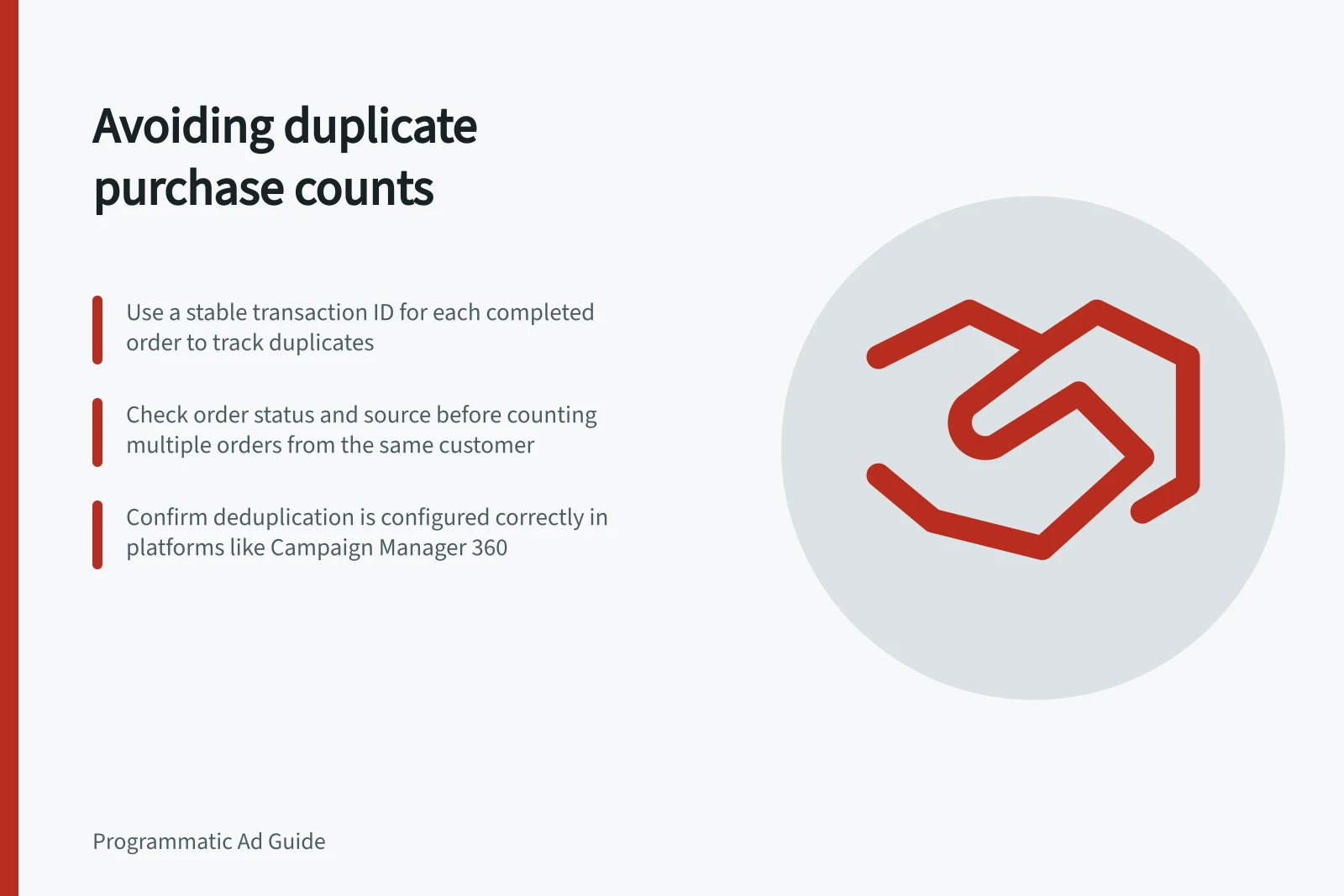
For purchases, give each completed order a stable ID and pass that ID whenever the order is reported through more than one source. Two records with one ID need investigation. Two different IDs may be two orders, but confirm their status before counting both; a customer ID cannot distinguish orders.
For enquiries, define whether the useful unit is a submitted form or a later qualified lead. Keep raw submissions and qualification decisions separate, so a reporting rule does not erase the underlying record.
| Record pattern | Check |
|---|---|
| Same order ID arrives twice through one tag route | Did a reload, retry or duplicate trigger send the completed order again? |
| Same order ID arrives online and offline | Do both sources represent one order, and is supported deduplication configured? |
| Different order IDs share a customer | Are both orders completed and valid? |
| One order ID has different values | Was the order updated, refunded or mapped incorrectly? |
These patterns guide investigation; none is an automatic deletion rule.
How to Identify and Resolve Duplicate Conversions
- Assign a stable transaction ID to each completed orderEnsure every purchase has a unique, persistent ID passed across all reporting sources.
- Check for identical transaction IDs across sourcesIf the same ID appears twice, investigate whether it’s a retry, reload or duplicate trigger.
- Verify order status before countingOnly count completed orders—do not rely on customer ID alone to distinguish purchases.
- Use platform-specific diagnosticsIn Campaign Manager 360, use multi-source conversions and matching rules to validate reports.
- Correct root cause and retestFix triggers, retry logic, or ID mapping issues. Revalidate with real-world testing.
Trace the event
Compare raw event time, activity ID, transaction ID, source and value against the first-party order. Check the confirmation page, retries and any duplicate deployment. Preserve original records while you diagnose the issue.
Then inspect the activity's configured counting method. Its effect depends on the platform and configuration, so check the relevant documentation before drawing conclusions about what is counted.
Choose a counting method that reflects the business action, then check the actual configuration. A user-based or session-based limit can suppress a genuine second purchase; an every-event method can expose repeated event firing.
Campaign Manager 360 has a multi-source conversions feature and diagnostics. Consult its documentation for the supported setup, matching rules and available diagnostics; reusing an ID is not a universal deduplication rule for every DSP or repeated tag request.
Correct the cause
If one completed order fires twice, fix the trigger or retry path and retest it. If two sources report the same order, verify ID mapping and the platform's supported deduplication setup. If two orders are valid, keep both and use a suitable purchase-counting method.
Record the affected period, activity and correction time. Compare later events with completed orders before closing the issue. A lower DSP total after a counting-method change does not prove duplicates were removed; genuine repeat orders may also have been excluded.
Key Metrics to Monitor for Conversion Accuracy
- Duplicate Conversion Rate
- Track percentage of events with repeated transaction IDs
- Valid Repeat Purchase Volume
- Number of distinct completed orders with different transaction IDs
- Post-Correction Conversion Accuracy
- Percentage improvement in match rate after fixing triggers or mappings
- Event Source Consistency
- Proportion of transactions reported consistently across online and offline sources