Inventory Quality
Part of Programmatic inventory quality
Investigating abrupt changes in traffic quality
When traffic quality changes suddenly, find the point at which the pattern broke before changing exclusions.
When traffic quality changes suddenly, find the point at which the pattern broke before changing exclusions. A new publisher, a tracking release and a landing-page fault can create similar-looking dashboards but call for different fixes.
Locate the break
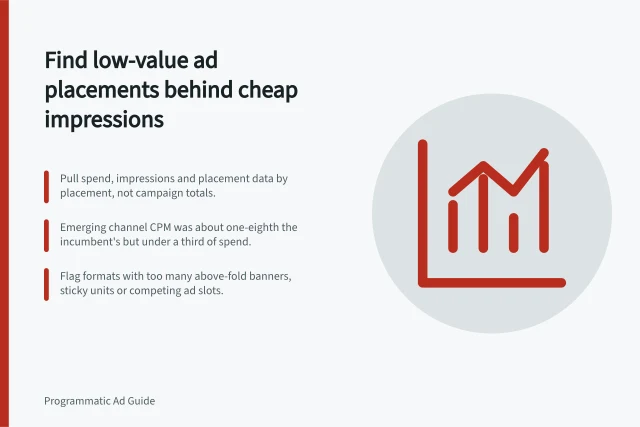
Compare the affected period with a like-for-like baseline by day, market, device, format and placement. Note whether spend, impressions, clicks and post-click actions moved together.
If only conversions fell, inspect the event pipeline and form or checkout before blaming media. If spend shifted to a new app group while other metrics held steady, examine supply distribution.
Export placement IDs and source details for both periods. Look for a new exchange or deal, an inclusion-list change, a creative approval, altered frequency or an audience-targeting update.
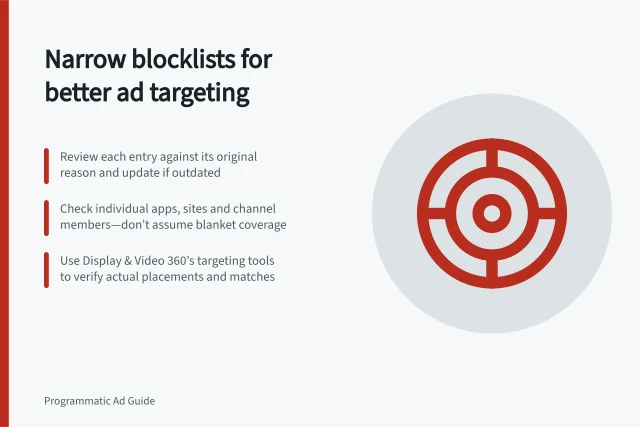
Display & Video 360 offers a deals and line items troubleshooter. Use it as one input to narrow the investigation rather than combining distinct causes under “bad traffic”.
Key Events in Sudden Traffic Quality Drop Investigation
- Identify break point in traffic patternCompare affected period with like-for-like baseline (by day, market, device, format, placement)
- Export placement IDs and source detailsCheck for new exchange, deal, inclusion-list change, creative approval, frequency shift, or audience-targeting update
- Use Display & Video 360 deals and line items troubleshooterInput to narrow investigation; avoid conflating distinct causes under 'bad traffic'
Traffic Quality Metrics Before and After Sudden Change
- Spend
- Shifted to new app group
- Impressions
- Steady
- Clicks
- Steady
- Post-click actions
- Fell significantly
- Conversions
- Dropped sharply
Confirm the cause before acting broadly
Check a handful of affected sessions or transactions with privacy-safe data. Verify landing URLs, UTM parameters, redirects and event firing. Inspect the source site or app if it is identifiable.
Document what is observed and what remains a hypothesis. For example, “form starts dropped after a mobile page release” is evidence of timing, not yet proof that the release caused the change.
Apply the smallest reversible fix: restore a broken event, repair a landing page, pause a suspect placement, or correct an environment setting. Monitor both traffic quality and delivery volume after the change.
If quality rebounds while spend simply migrates to another questionable source, continue the supply review. Close the incident with a dated timeline and a rule for catching the same pattern earlier next time.
Post-Event Verification Steps After Traffic Quality Change
- Review privacy-safe session dataVerify landing URLs, UTM parameters, redirects, and event firing
- Inspect source site or app if identifiableCheck for technical issues such as broken forms or checkout errors
- Apply smallest reversible fixRestore broken event, repair landing page, pause suspect placement, correct environment setting
- Monitor traffic quality and delivery volume post-fixEnsure recovery without migration to other questionable sources